|
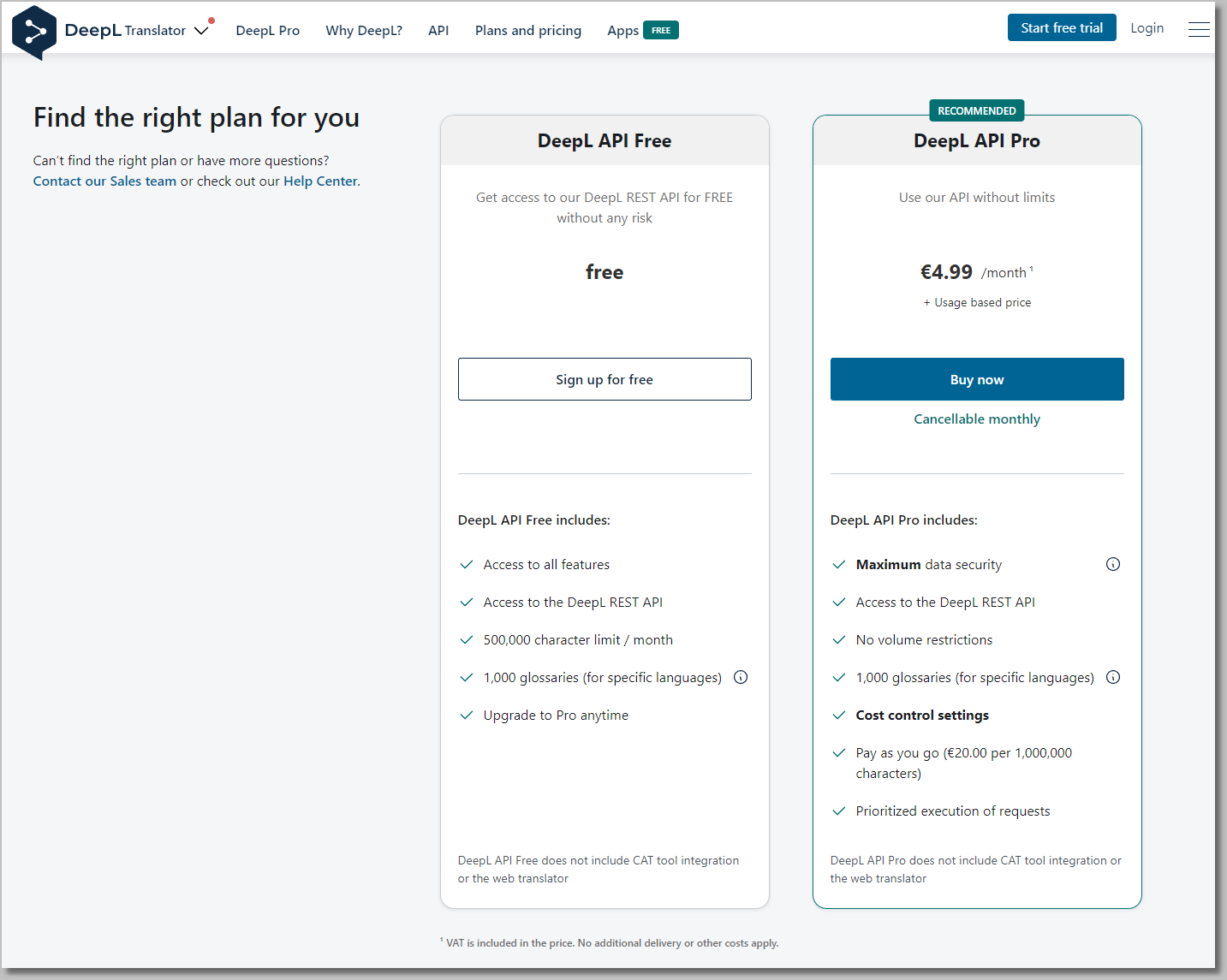
A valid DeepL API key is needed to use this feature. |

You must register at www.deepL.com to subscribe for use this service and have an authentication DeepL API key
(DeepL API authentication keys are strings like "279a2e9d-83b3-c416-7e2d-f721593e42a0:xx")
The API key must be put in a file called "DeepL.txt" in the current directory or in the Windows %PATH% in order to use the translation option.